Update — June 22, 2026: PPKG-based seamless enrollment is now generally available. Windows IoT Enterprise LTSC fleets can self-provision to their Esper Blueprint on first boot, with no Autopilot or Entra ID required. Read the GA announcement →
If you're managing Windows devices alongside Android, iOS, or Linux — and juggling separate tools for each OS — this beta consolidates your device management into a single platform.
What’s Included in the Esper Windows Beta
Unified multi-OS management
Deploy configurations, manage applications, and monitor device health across Android, iOS, Linux, and Windows — all from the Esper console you already use.
.png)
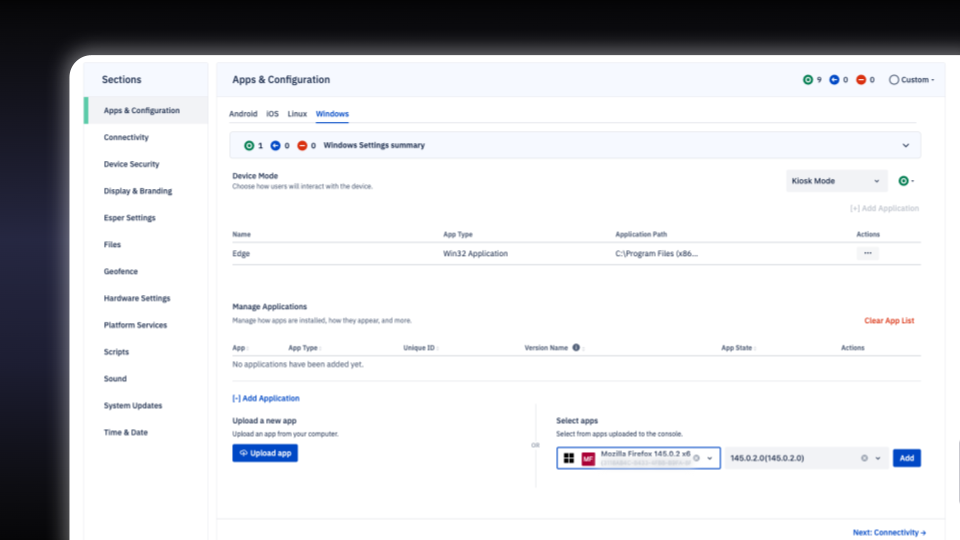
Esper Windows Blueprints
Provision Windows devices using the same blueprint approach you use for other operating systems. Define policies once, deploy consistently.
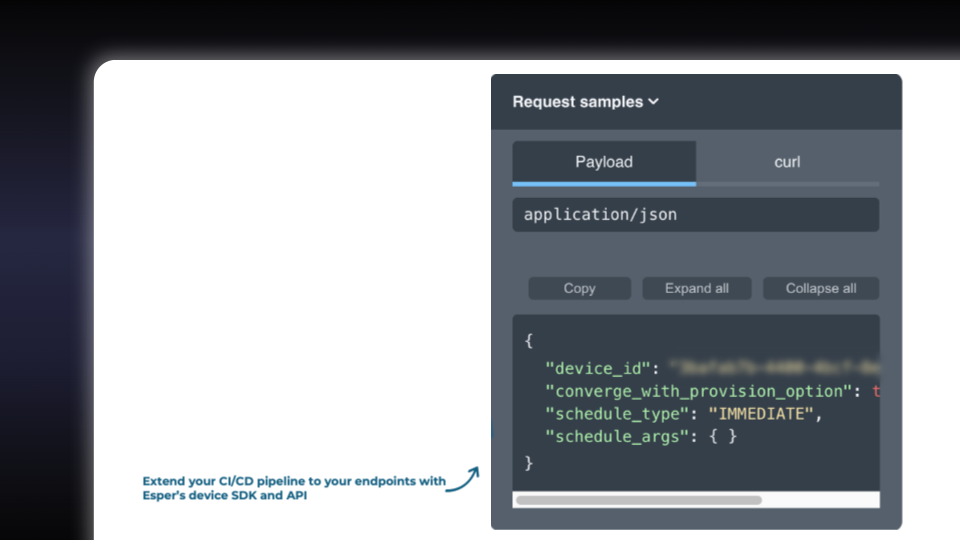
Full API Access
Manage Windows devices through Esper's web console or integrate directly into your existing systems via API.
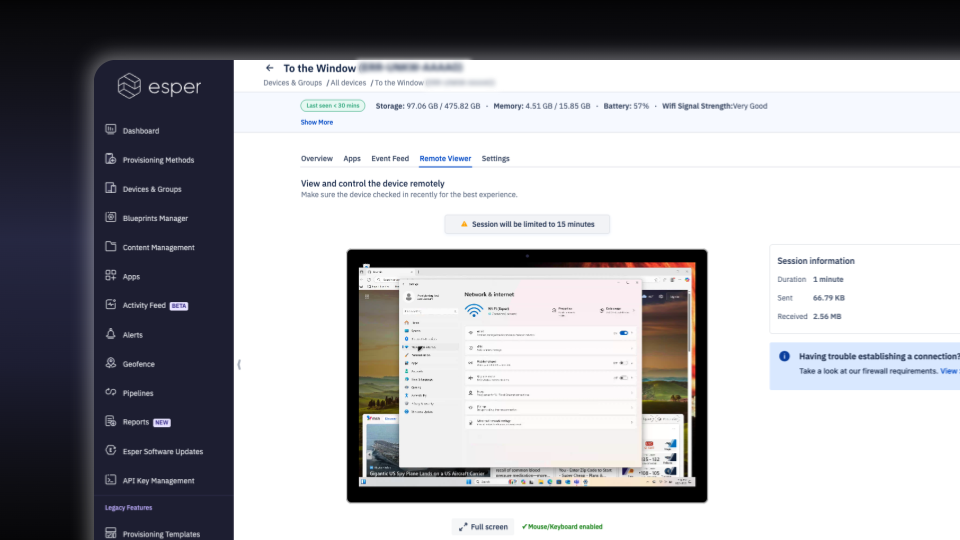
Remote Viewer and Control
Reduce mean-time-to-resolution with remote command execution, remote desktop access, and troubleshooting capabilities — no separate remote support tools required.
Windows Notification Service (WNS)
Enable instant command execution with native WNS support. Commands reach devices immediately, not on the next check-in cycle.
App Management
App Management lets you upload and deploy applications to your Windows devices through Blueprints. In this beta release, we support .MSI apps, enabling you to centrally manage and distribute modern Windows applications across your entire fleet.
Esper Windows Beta: Shape What We Build Next
Your deployment challenges directly inform our roadmap priorities. As a beta user, you can shape which features we build first and how they work in production environments — from Windows Seamless Provisioning, Custom Actions (bringing the most popular Linux feature to Windows), and Device User Management. Simply watch out for the in-product feedback prompt.
Get started
Ready to consolidate your device management and help build the future of unified fleet operations? Log into your console and try it out today.
Learn more about Esper Device Management for Windows >
Questions about Esper Windows? Contact our team for a demo or onboarding assistance.