Digital Signage Management

Apple TV is Great. Running Five Hundred

Of Them Isn't.

Enroll it. Lock it. Update it. Own the whole fleet.

For picture and price, it’s hard to beat Apple TV for signage. Run it at scale with zero-touch enrollment over ethernet, silent app delivery, kiosk lockdown, and update control from one console.

No human. No remote. No configuration.
Digital signage & menu boards
QSR, retail, transit
Conference & huddle rooms
AirPlay, room displays
In-room hospitality
hotels, casinos, resorts
Healthcare waiting & wayfinding
clinics, hospitals
Retail experience walls
flagships, showrooms
Warehouse & ops dashboards
 live metrics on the floor

The operational reality

The operational reality of Apple TV at scale

What looks simple on one device gets expensive across hundreds.

You touch every device

Out of the box, each Apple TV wants a person, a remote, and a setup wizard. Multiply that by every store, room, and screen — then do it again at every refresh.

tvOS isn't iOS

Apple exposes fewer MDM controls on tvOS than on iPhone. Assume a restriction exists because it's on iOS and you'll find the gap in production. We map it for you up front.

You don't control the release, Apple does

Without deferral, you can't pin a tvOS version, stage a rollout, or hold back a release that breaks your menu-board app. Updates install on Apple's schedule — and "overnight" is peak for a drive-thru that never closes. The floor finds out at open.

A reset can brick the unit

Wipe a supervised Apple TV without the Activation Lock bypass code captured at enrollment, and you've got a paperweight. The detail nobody plans for until it bites.

WiFi setups are fragile

Commercial Apple TV deployments assume ethernet for a reason. WiFi-only fleets drop off the network and need a human to bring them back. Plan for wired.

You can't see them

Raw configuration profiles are fire-and-forget. You push a restriction and get no signal back about whether it landed, drifted, or silently failed on a device three states away.

How it works

Power On. Enroll. Done.

No remote. No wizard. No human in front of a screen.

Buy supervised

Apple TVs purchased through your reseller link to your Apple Business Manager. Devices are supervised from first boot — no Apple Configurator, no manual supervision step.

Zero-touch over ethernet

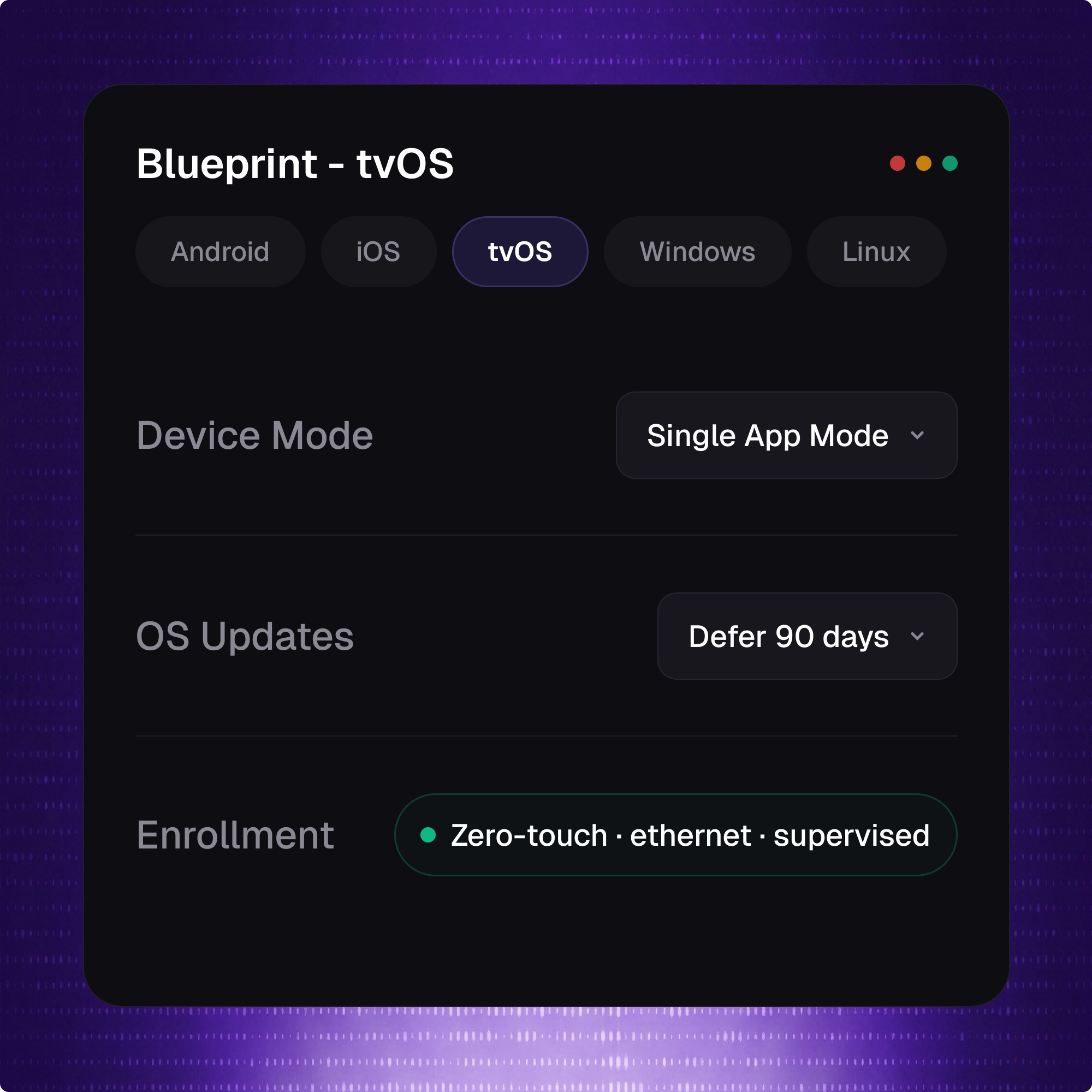
Esper sets auto_advance_setup: true on the enrollment profile, so an ethernet-connected Apple TV advances through setup and enrolls with no remote and no human in the loop.

Apps land silently

VPP / Apps & Books pushes your signage player or custom app with no Apple ID and no App Store — installed before the screen is ever mounted.

Lock it down

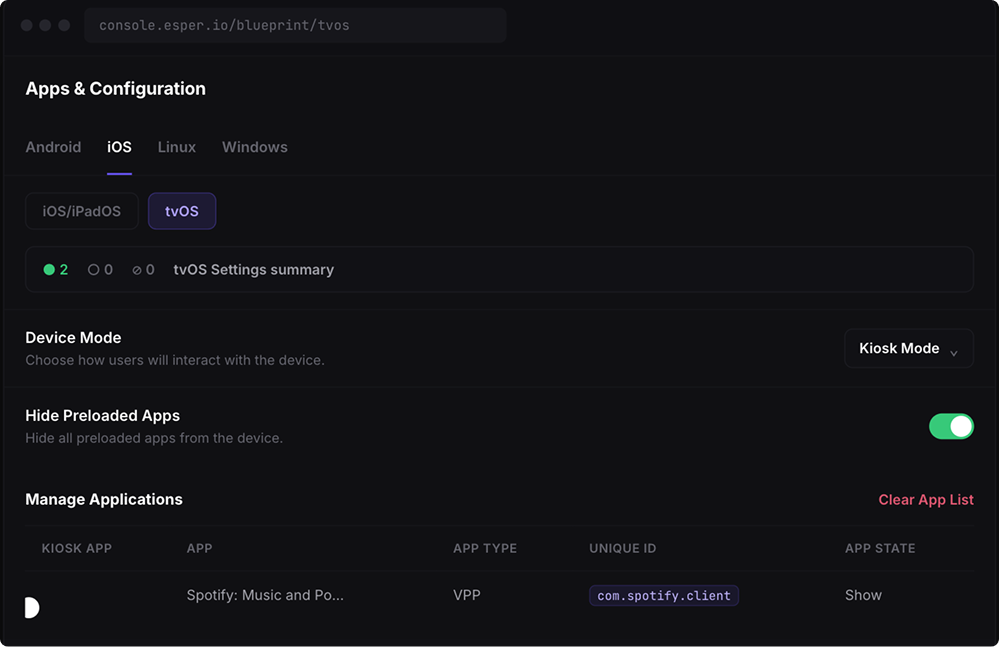
Pin the device to one app with Single App Mode or self-locking ASAM. Or restrict the home screen to an approved set with multi-app kiosk mode. Supervision required — which you already have.

Control when the fleet moves

You decide which tvOS release your screens run and when they move to it — not Apple's rollout calendar. Esper enforces update policy through Apple's declarative path, so a version that breaks your menu-board app never lands before you've cleared it..

See what happened

Esper Blueprint reports per-device success or failure on every command — not the silence a raw configuration profile leaves you with. Where Apple only allows a setting via plist, we flag the observability gap instead of hiding it.

Inside the console

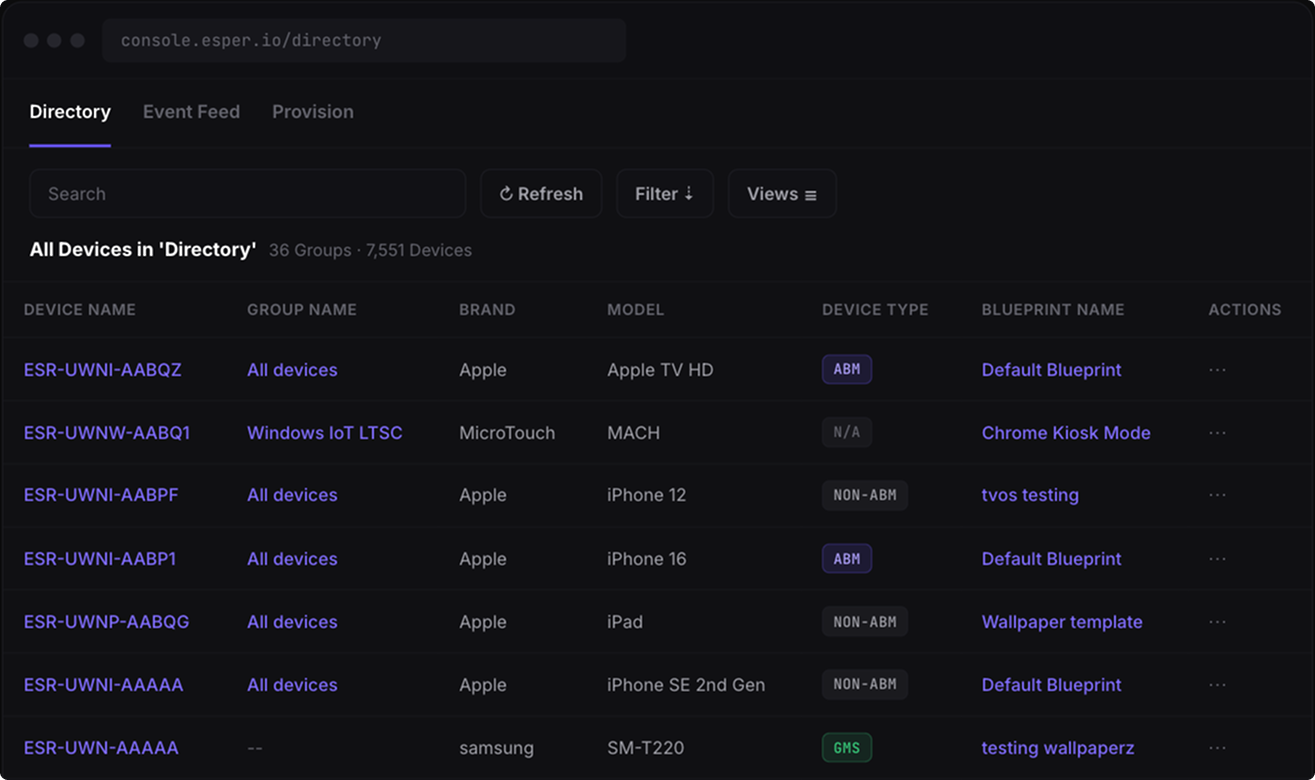
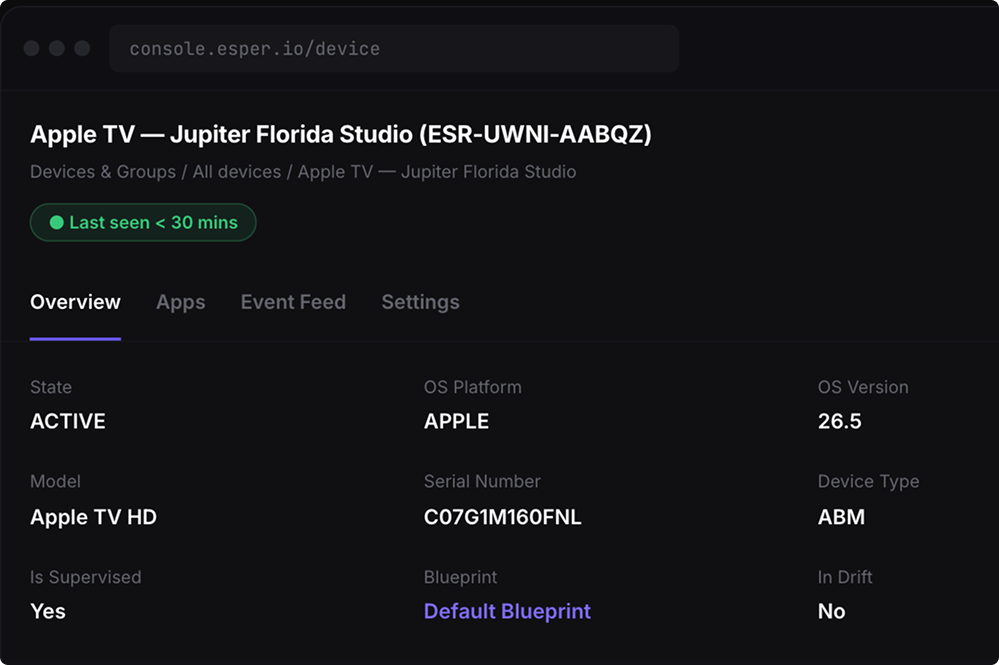
The Whole Fleet From One Console

You don't buy a tool for Apple TV. The console you already run for Android, iOS, Windows, and Linux just learned tvOS.

What we don't pretend to do

The Apple Walls We Won't Sell Around.

Some limits are ours to fix. These aren't. Here's where Apple's platform ends and no console can take you further.

tvOS exposes fewer MDM restrictions than iOS. If a control exists on iPhone, don't assume it exists on Apple TV — we tell you which ones don't carry over.

No MDM screen mirroring without consent. No sideloading on non-DEP devices. No Activation Lock bypass without the code captured at enrollment time.

A supervised device with physical access can still be forced into recovery. Supervision controls the fleet; it doesn't repeal physics.
GET STARTED

Your Apple TV Fleet, Run From One Console.

Need an Apple Business Manager reseller? We work with both CDW and Stratix.