

KIOSK DEVICE MANAGEMENT
Create and manage your ideal kiosk solution effortlessly, regardless of whether they're running Android, iOS, or Linux. Leverage Esper’s expertise in hardware and advanced device management software to optimize the performance of your kiosks.
Choosing the right kiosk
Kiosks for business use cases
Kiosks are just about everywhere these days. And if you’re wondering why these are the latest “it” devices, wonder no more!
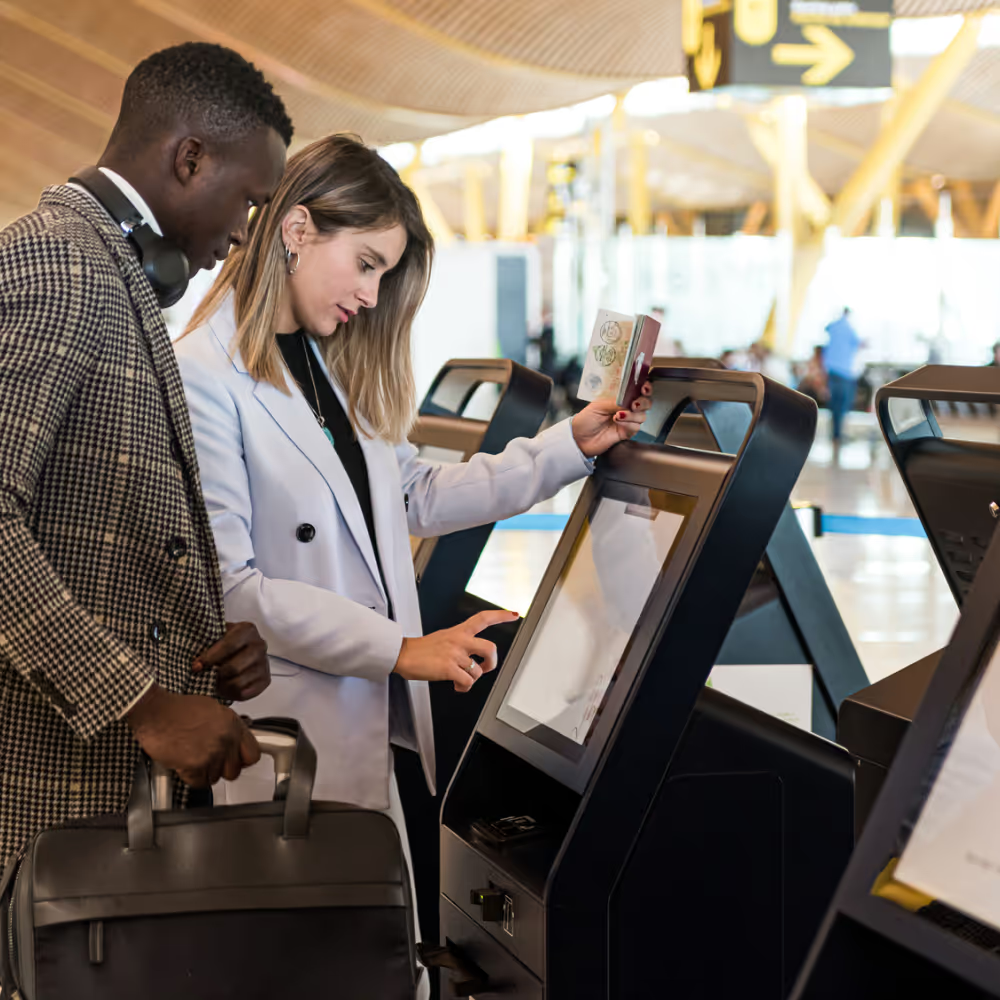
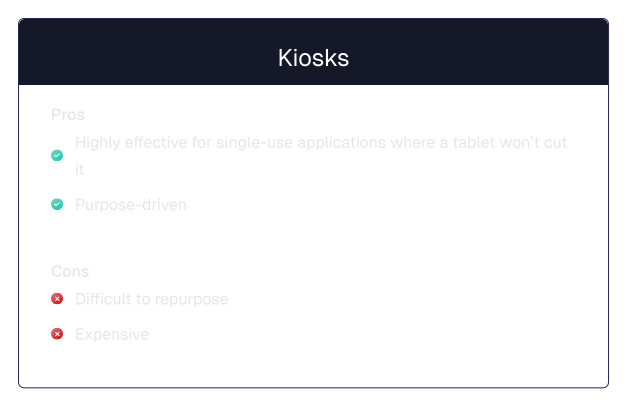
Kiosks are purpose driven devices. Like the King’s Guard, they’re not here for smiles and giggles, only business purposes. Standing ready at the entrance of a store, airport, or restaurant near you to provide a dignified service. These highly effective devices help businesses provide the services busy customers crave. They can check in for a flight, quickly pay for groceries, or order a coffee — all without speaking to another human being or waiting in line. A dream!
On the flip side, kiosks can be expensive, which may not be worth it for more straightforward use cases. They’re more of a one-trick pony than a jack of all trades, but they’re masters at that one trade. It’s a potentially high investment for something that can only be used for a single purpose, but it’s also the most efficient way to do the job when you need it for that purpose.
Choosing the right kiosk
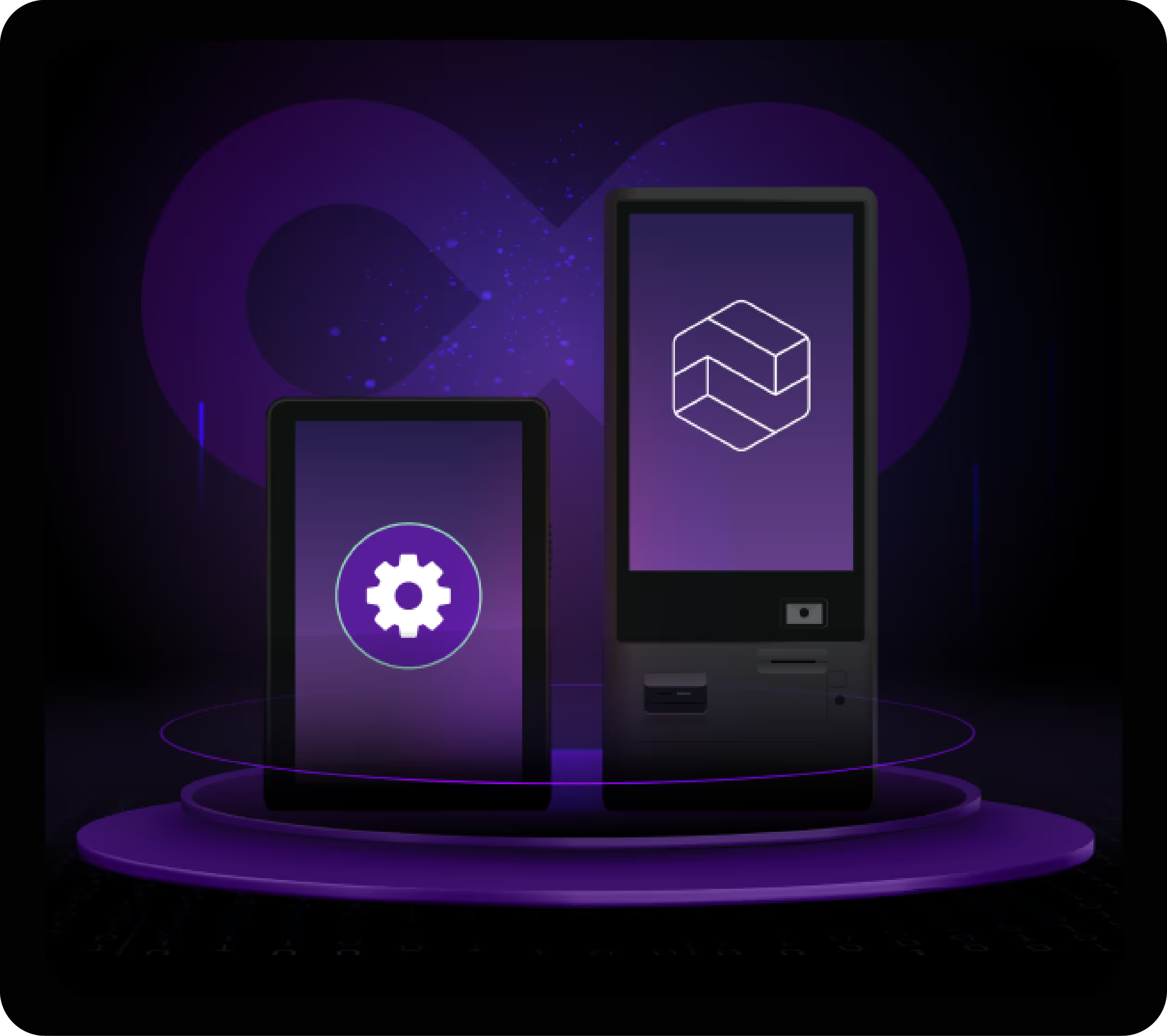
Tablets can be a tempting alternative to kiosks for some use cases. Like a donut, they’re cost-effective, mobile, and familiar. This makes them ideal for simpler use cases, smaller spaces, and tighter budgets. Good examples of this are tablets at doctor’s offices or hotels where users can check in or out on their own, and tablets at museums or libraries that allow users to conveniently access information, resources, and catalogs. If this resembles your use case, head to our tablet page.
Some use cases, however, require a truly dedicated kiosk solution. Dedicated kiosks are ideal for self-service functions in high-traffic areas or for use cases requiring more durability and enhanced customer engagement. This could be an airport kiosk for travelers to check in and print their boarding passes, a box office kiosk for simplified ticket purchases and pickups, or self-checkout kiosks where customers can scan and pay for items. These use cases are in high-traffic areas and require additional functionality like printing or scanning. If this feels aligned with your use case, keep scrolling!
NEXT STEPS
Our hardware experts make finding the right hardware easy! Esper has guided thousands of customers to develop efficient, scalable device fleets that meet their needs. With our robust partner catalog and vast hardware support we can always find a solution.
Managing my kiosks
Management considerations for company kiosks
Once you’ve found the right kiosks, it’s time to manage them. An MDM (Mobile Device Management) solution is a great tool to monitor and protect your terminals. But there’s no such thing as a one-size-fits-all MDM solution. Some key factors to consider when looking for the right MDM:


Esper is your golden ticket to a better way of managing your devices. But unlike Wonka’s factory, there’s no candy or child sized blueberries here — just user-friendly features and time-saving automations. The simplified provisioning, seamless remote control, unbreakable device lockdown, and staged updates make it a real playground. Use it to manage ten devices or ten thousand (or more!), it works just as seamlessly. Its benefits are as everlasting as a gobstopper and will have you telling your boss, “I want it now!”

Streamlined device grouping
Easily group kiosks to improve organization and manage your entire device fleet all in one place.
Update at will
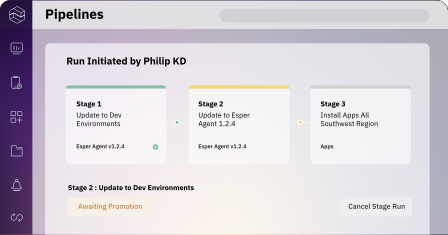
Test updates on a single kiosk, then stage rollouts to groups based on custom rules.
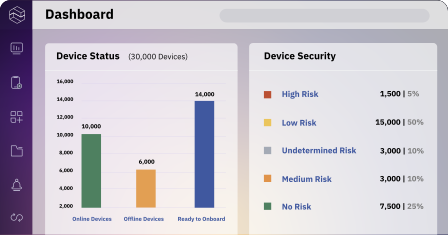
Enhanced visibility
Get instant and up-to-date connectivity status, data information, and a whole lot more. All in one place.
Device kitting made simple
Your IT teams can deploy dozens of kiosks in minutes instead of hours. Maybe even go home early.
Avoid expensive onsite visits
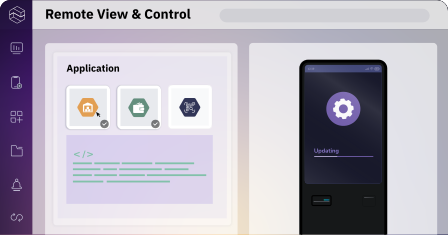
View and control kiosks, troubleshoot issues, or generate a debugging report. From anywhere.
Streamlined software delivery
Ensure kiosks boot up with the most current OS version and settings. No matter what.
Eliminate device tampering
Lock kiosks down to a specific use or set of uses so users only access what you want.
Protect system integrity
Control when apps get added, updated, and removed — on the fly, at any time. As often as you need.
Accelerate incident response
Set custom alerts for automated monitoring. Receive actionable alerts and take real-time action.

Remote viewing devices through the console makes troubleshooting or assisting users possible without needing a 3rd party subscription. Support for kiosks and those with multiple apps, plus the ability to provide access to select device settings, ensure users have access to everything they need to utilize the device more completely without sacrificing security.


Strategic hardware support saves national QSR chain from expensive rip-and-replace cycle
To support team members and customer experiences across our POS, tablets, and other devices, we needed a solution that worked for our next generation enterprise Android apps. Esper was a true partner. Working with them allowed us to move fast, save money, and now we can make strategic decisions about what hardware we want to use.


Our in-store kiosks are mission-critical. If they’re down, we’re losing money. With Esper they just work. When issues arise, our IT team gets an alert so we can remotely debug the kiosk to get it back online and serving customers.
Kiosk management consists of both software and hardware solutions for creating, deploying, configuring, and updating digital kiosks.
In MDM, a kiosk generally refers to a digital kiosk, which can also be referred to as a kiosk machine, kiosk computer, or touch screen kiosk. Digital kiosks automate customer orders of goods and services, simplify check-in and checkout processes, and more.
A digital kiosk can be locked down using dedicated kiosk management software.
Digital kiosks can run a number of different operating systems and software applications. While the underlying operating system is hard to change, the applications on the kiosk can be changed and updated using kiosk management software.
Digital kiosks can run on a variety of devices, including touchscreen computers, tablets, digital displays, and even smartphones.


