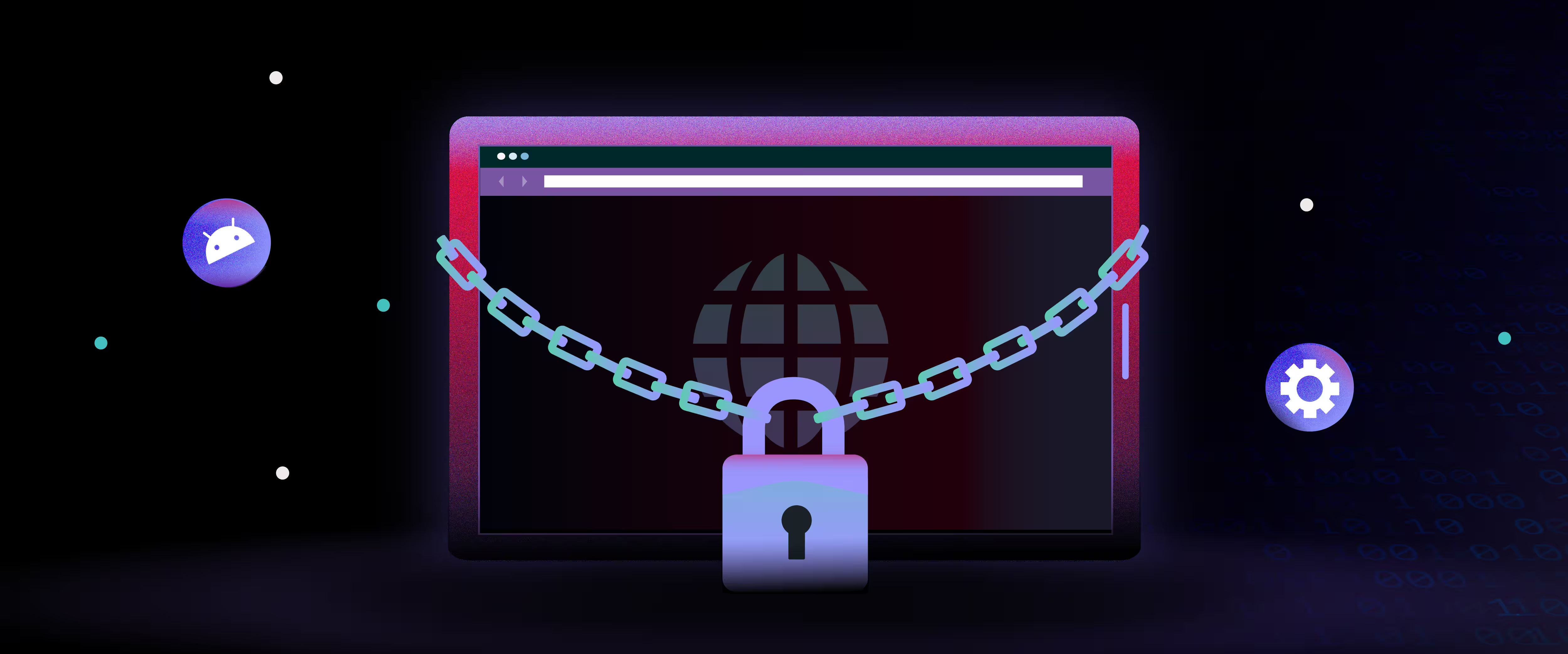
You were told a managed, lockdown-grade Chromium browser for dedicated hardware doesn't exist without building it yourself. Esper Titanium is that browser. It's the Chrome alternative that starts with the same Chromium rendering engine, then inverts every default for the dedicated-device context: no tabs, no URL bar, no extension surface, no consumer telemetry. Titanium ships as fleet infrastructure for kiosks and POS terminals. You control it from the same Esper console as the rest of your device stack. Esper builds deployment, lockdown, and update controls into the architecture from the first line of code.
TL;DR: Esper Titanium is a Chromium-based enterprise browser that replaces consumer Chrome on kiosks, POS terminals, and dedicated hardware. Chrome kiosk mode hides the UI but doesn't change the consumer architecture underneath: uncontrolled updates, telemetry to Google, bypassable lockdown, and no fleet management. Titanium starts from the same Chromium rendering engine, strips every consumer default, and adds fleet-grade controls: URL allowlisting, session isolation, anti-exit enforcement, and managed updates through the Esper console. It runs natively on AOSP without Google Play Services and you control it from the same console as the rest of your device stack.
Why Consumer Chrome Fails on Dedicated Hardware
Google built Chrome for a person sitting at a desk with twenty tabs open. That architecture doesn't survive contact with a restaurant POS terminal, a self-service kiosk, or a healthcare check-in tablet.
Deploy consumer Chrome on dedicated hardware and you inherit its consumer assumptions: automatic updates you can't control, a settings surface any user can reach, telemetry phoning home to Google services, and a browser chrome layer designed for general-purpose navigation. Kiosk mode papers over some of this, but it doesn't change the underlying architecture. Chrome still assumes it's running for a person, not a fleet.
The operational cost compounds. Configuration drift across hundreds of locations. Unexplained browser crashes during peak transaction volume. Security audits flagging an unmanaged consumer application on devices processing payments or sensitive data. Every one of these is an architecture problem masquerading as an ops problem.
The alternative has historically been worse: fork Chromium and maintain it yourself. You get the control you need, but you also get every upstream merge conflict, every CVE patch cycle, and a full-time engineering team doing browser maintenance instead of building your product.
What Is Esper Titanium?
Titanium is the third path. A Chromium-based browser engine that delivers the rendering fidelity your web application expects while enforcing the lockdown, telemetry control, and fleet-scale management your operations require.
The simplest test for dedicated hardware: if a user can browse freely, the device isn't dedicated. Consumer Chrome fails that test by design. Titanium starts with the industry-standard Chromium engine and rebuilds the control surface for the actual operating environment.
Every capability that makes Chrome powerful for a consumer is a liability on a kiosk. Titanium strips those liabilities out and replaces them with fleet-grade controls:
For a deeper look at how the engineering team built this from the ground up, read Esper Deep Cuts: The Birth of the Unbreakable Browser.
Chrome Kiosk Mode vs. Esper Titanium
The question isn't whether Chrome kiosk mode works. It's whether it works at fleet scale, across hundreds of locations, without a dedicated team patching the gaps.
Chrome kiosk mode is a consumer browser with restrictions bolted on. Titanium is a dedicated-hardware browser with Chromium rendering built in.
What Titanium Enforces That Chrome Kiosk Mode Cannot
Your web application, full screen, no escape routes
Titanium renders your web app in a locked-down, full-screen container. There's no URL bar to type into, no navigation buttons to click, no settings menu to discover. The browser surface is your application surface. For restaurant POS, self-service kiosks, and payment terminals, that distinction is the difference between a controlled transaction environment and a liability.
One console for the entire device stack
Titanium isn't a standalone browser you install and configure separately. You control it from the same Esper console as your OS configuration, app deployments, network policies, and device health monitoring. Browser settings, URL allowlists, update schedules, and session policies live alongside every other fleet control. One architecture, one source of truth.
Updates on your schedule, not Chrome's
Consumer Chrome updates when Google decides. On dedicated hardware, an unexpected browser update during peak hours can break a web application, change rendering behavior, or trigger a restart cycle. Titanium updates deploy through the Esper console on the schedule you define. You validate against your application before committing to a fleet-wide rollout.
Built for AOSP without Play Services
Many dedicated hardware deployments run custom AOSP builds without Google Play Services. Consumer Chrome assumes Play Services exist. Titanium doesn't. It runs natively on AOSP, custom AOSP forks, and Esper Foundation OS without requiring a Google account or Play Store dependency.
What Fleet Controls Come Built Into Esper Titanium?
URL allowlisting. Define exactly which domains the browser can reach. The browser blocks everything else, not the network edge.
Automatic session clear. Configure session behavior per device profile. Each interaction starts with a clean state. No cookies, no cached credentials, no data bleed between users.
Anti-exit enforcement. Block long-press actions, gesture-based navigation, and context menus that would let a user escape the application. The Chromium engine enforces these controls directly, rather than layering them on top via OS policy.
Pop-up and dialog suppression. Titanium blocks system dialogs, JavaScript alerts, and permission prompts before they reach the screen. The user sees your application and nothing else.
Remote configuration. Push browser configuration changes to individual devices, device groups, or the entire fleet from the Esper console. You never need to touch the device.
Diagnostic telemetry. Browser crash data, performance metrics, and session analytics route through Esper. You get the observability. Google doesn't get the data.
Managed update rollouts. Push browser updates on your schedule through the Esper console. Stage updates across device groups, monitor rollout health, and pause deployment if issues surface. Consumer Chrome auto-updates on Google's timeline with no fleet-level override.
AOSP-native architecture. Titanium runs on AOSP without Google Play Services. Custom hardware builds, Esper Foundation OS deployments, and non-GMS devices all get the same browser capabilities without a Google dependency chain.
Where Titanium Runs
Esper built Titanium for dedicated hardware environments running AOSP, custom AOSP (including Esper Foundation), and standard Android. It runs natively without Google Play Services, which means custom AOSP builds and Esper Foundation OS deployments get a full-featured browser without a Google dependency.
Supported environments:
Platform requirements:
Who Runs Titanium
Restaurant and QSR chains running web-based POS applications across hundreds of locations. Consumer Chrome crashes during peak ordering aren't just inconvenient, they're lost revenue. Titanium eliminates the browser as a failure point.
Kiosk and self-service operators deploying customer-facing tablets in airports, retail stores, and healthcare facilities. Every escape route a user finds becomes a support ticket. Titanium closes those routes at the browser engine level.
Secure facility operators running locked-down tablets where browser escape isn't an inconvenience but a compliance violation. Titanium's engine-level lockdown closes every escape route at the browser layer, not through OS policy workarounds.
OEMs and device builders shipping hardware products where the web application is the entire user experience. Building and maintaining a custom Chromium fork is an engineering distraction that scales poorly. Esper maintains Titanium as the browser component of the device stack, so your engineering team ships product features instead of patching upstream Chromium merges.
Esper Titanium vs. Chrome Kiosk Mode: What Teams Ask Before Switching
Is there a Chromium browser for kiosks, POS, and self-service hardware that replaces consumer Chrome?
Yes. Esper Titanium is a Chromium-based enterprise browser built specifically for kiosks, POS terminals, and self-service hardware. It uses the same Chromium rendering engine as Chrome but removes consumer features (tabs, URL bar, extensions, consumer telemetry) and replaces them with fleet-grade controls: URL allowlisting, session isolation, anti-exit enforcement, and managed updates through the Esper console.
Which browser replaces Chrome on kiosks?
Esper Titanium replaces consumer Chrome on kiosk deployments. It delivers Chromium-compatible rendering without the consumer browsing surface, auto-update unpredictability, or settings exposure that make Chrome a poor fit for dedicated hardware. You manage Titanium as part of the device fleet, not as a standalone application.
Is Chrome kiosk mode enterprise-ready?
Chrome kiosk mode hides the browser UI but doesn't change the underlying architecture. It still auto-updates on Google's schedule, still sends telemetry to Google services, still depends on OS-level workarounds for anti-exit enforcement, and still requires Play Services for full functionality on Android. For a handful of devices in a controlled environment, it can work. For fleet-scale deployments across restaurants, retail, healthcare, or secure facilities, the gaps become operational liabilities. Esper built Titanium to close those gaps at the engine level.
What is the difference between Chrome kiosk mode and Esper Titanium?
Chrome kiosk mode is a display configuration applied to a consumer browser. It hides the URL bar and runs full screen, but the underlying browser retains its consumer architecture: uncontrolled updates, telemetry to Google, bypassable lockdown mechanisms, and no fleet management integration. Esper Titanium is a purpose-built browser engine for dedicated hardware. Esper builds lockdown, session management, network restriction, and update control into the browser itself, rather than layering them on top. Titanium enforces URL allowlists at the engine level, clears sessions automatically between users, blocks long-press and gesture exits, and deploys updates on your schedule through the Esper console.
Does Esper Titanium work on custom AOSP devices without Google Play Services?
Yes. Esper built Titanium for AOSP environments, and it doesn't require Google Play Services, a Google account, or access to the Play Store. It runs natively on custom AOSP builds, Esper Foundation OS, and standard Android devices.
Does Titanium integrate with the rest of the Esper device fleet?
Yes. You control Titanium from the same Esper console you use for OS configuration, app deployment, network policies, and device health monitoring. Browser settings, URL allowlists, update schedules, and session policies live in the same fleet management architecture. There's no separate browser management layer.
How does Esper Titanium handle browser updates on dedicated hardware?
Titanium updates deploy through the Esper console on your schedule. You control when updates roll out, which devices receive them first, and whether an update proceeds fleet-wide or pauses for review. Consumer Chrome auto-updates on Google's cadence with no fleet-level control over timing or rollback.
What types of devices and environments run Esper Titanium?
Titanium runs on restaurant POS terminals, self-service kiosks, retail digital signage, healthcare check-in tablets, payment terminals, correctional facility secure tablets, and any AOSP-based dedicated hardware where the browser is the primary application surface.
Get Started With Esper Titanium
Titanium is available as part of the Esper platform for teams running web applications on dedicated hardware. If you're deploying consumer Chrome on kiosks, POS terminals, or self-service devices and absorbing the operational cost of configuration drift, browser crashes, and uncontrolled updates, there's a third path. If you're maintaining a custom Chromium fork and spending engineering cycles on upstream merges and CVE patches instead of your product, there's a third path.
Esper's team can walk through how Titanium fits into your device stack, how it integrates with your existing Esper deployment (or what a new deployment looks like), and how the browser layer connects to the rest of the fleet management architecture.